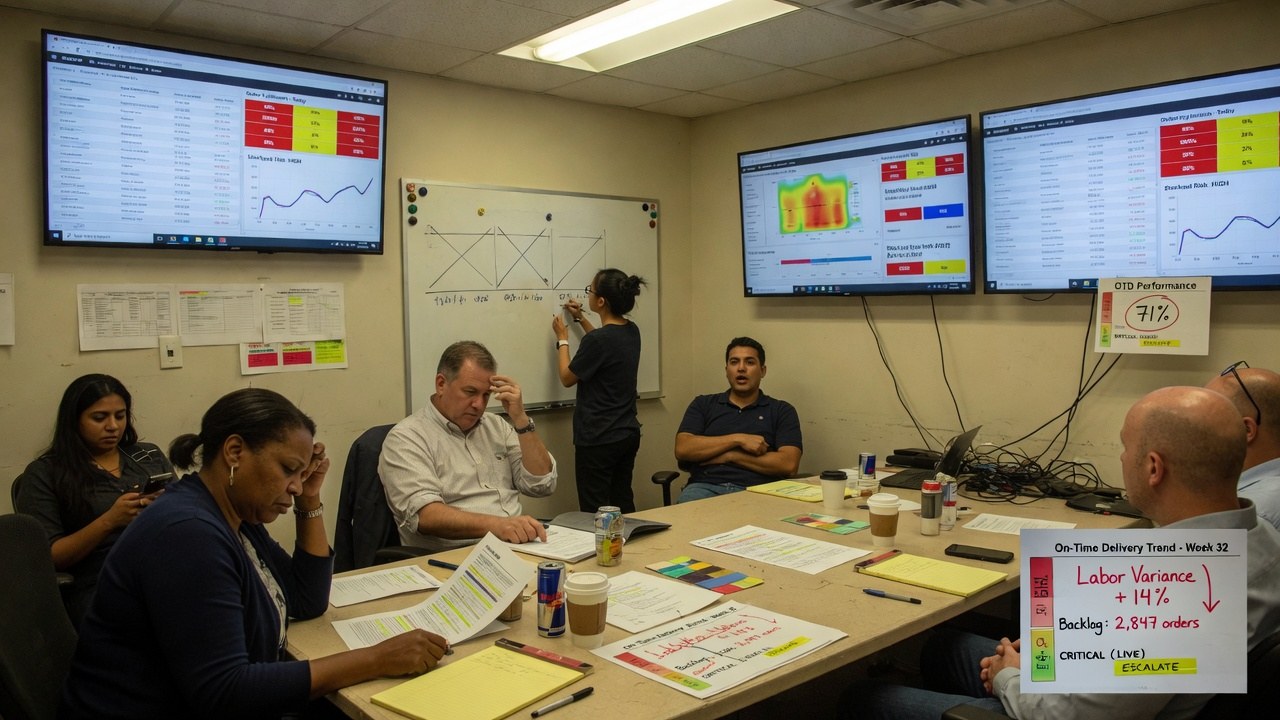
Construction submittal RFI automation is the use of software - and increasingly artificial intelligence - to route, track, and technically verify submittals and Requests for Information against project specifications, drawings, and building codes.
| Process Stage | Manual Approach | Automated Approach |
|---|---|---|
| Submittal review | 45-120 minutes comparing shop drawings to specification sections per package | AI extracts technical data and cross-checks specs; ~15 minutes of engineer verification |
| RFI response | 60-180 minutes hunting through documents for the correct detail or clause | AI searches the drawing set and specs to draft a cited response; 10-20 minutes of review |
| Rejection cost | ~$805 per rejected package plus 2-4 weeks of schedule delay | Upfront technical verification reduces correction cycles and direct costs |
| Document control | Email inboxes and spreadsheets; high risk of misplaced items on large projects | Centralized cloud library with linked drawings and clear status tracking |
| Field connectivity | Office-based processing delays updates to site crews | Real-time mobile access to RFIs, submittals, and markup tools |
The Real Cost of Manual Submittals and RFIs
The traditional process is deeply manual. A single submittal review typically requires 45 to 120 minutes of comparing shop drawings against specification sections, checking details, and cross-referencing codes. Responding to an RFI can take 60 to 180 minutes of hunting through project documents to locate the correct detail, specification clause, or code requirement. When discrepancies are found, submittals often go through two to four correction cycles before approval, each cycle adding delay and administrative load.
The problems are not just about time. On large capital projects, relying on email inboxes and side spreadsheets to manage thousands of RFIs creates a control risk. As Michelle Orizzonte, Corporate Project Controls Manager for Graham, noted in discussions on document control, you cannot manage a half-billion-dollar project through fragmented spreadsheets and Outlook threads without creating a serious mess. Misplaced RFIs, siloed information, and inconsistent status tracking lead to repeated questions, delayed construction starts, and downstream rework that is difficult to recover from.
Construction Submittal RFI Automation: Workflow Management Versus Technical Analysis
When firms evaluate software, they often conflate workflow management with technical analysis. The distinction matters.
Workflow management tools route submittals through approval chains, track status codes such as “No Exceptions Taken” or “Approved as Noted,” and organize documents in a single platform. They help teams process submittals faster and maintain accountability. Technical analysis tools, by contrast, extract dimensions, material ratings, certifications, and performance data from submittal documents and verify each characteristic against the project specifications. The best solutions link every finding back to its source document so reviewers can trust but verify.
A platform that only manages workflow may help you reject submittals faster without reducing the rejection rate. A platform that only analyzes documents but cannot route approvals through your project team will stall at the handoff. Firms need to identify which bottleneck they are solving - process delay, technical error, or both - before selecting a tool.
Standardizing Intake Before Adding Technology
Automation fails when the underlying process is inconsistent. Standardization is therefore a prerequisite, not an afterthought.
Capital projects generate a rush of RFIs early, when uncertainty is highest. Establishing a standardized RFI and submittal process from the outset strengthens collaboration and keeps information moving. Single-issue RFIs reduce confusion by isolating one question per request, making it easier to route, answer, and track. Standard templates ensure that every submission includes the necessary context - relevant specification sections, drawing references, and deadlines - so responders do not waste cycles requesting missing information.
Centralizing these documents in a cloud-based system removes dependency on individual inboxes and spreadsheets. A centralized library serves as a single source of truth, providing clear visibility into which items are open, pending, or closed. It establishes a paper trail, increases accountability across disciplines, and ensures that teams can reference historical RFIs as questions evolve. Linking RFIs directly to drawings and supporting emails gives reviewers immediate context without forcing them to hunt through folder structures.
How AI Reshapes the Review Process
Once intake is standardized, artificial intelligence can handle the most time-consuming comparison work.
In practice, AI-driven submittal validation works by ingesting a document package - say, a 150-page glass railing submittal - and instantly extracting key technical information. The system compares the submission against the relevant specification section, in this case Division 05 73 00, checks guardrail height requirements against the drawings, and validates load testing against the International Building Code. It flags discrepancies such as a proposed 3/8-inch glass thickness where 1/2-inch was specified, or a color finish that does not match the “clear anodized” requirement. It then generates a draft review letter with specific questions for the contractor. A review that might have taken 90 minutes can be reduced to roughly 15 minutes of engineer verification and approval.
For RFIs, AI can search the project drawing set and specification library to locate the relevant clauses, check applicable code requirements, and draft a cited response. For example, when asked about the required fire rating for corridor walls, the system can produce a draft answer citing the specific detail sheet, specification section, and IBC chapter. Response times that previously ran 60 to 120 minutes can compress to 10 to 20 minutes of review.
Beyond individual documents, modern systems also monitor for proactive conflicts: mismatches between specifications and drawings, inter-trade coordination issues such as mechanical ductwork conflicting with structural beams, and code compliance gaps. Over successive projects, these systems learn a firm’s standards and preferences, improving suggestion quality without removing human control over final decisions.
Keeping Field and Office Connected
Automation cannot stop at the desktop. Field crews and inspectors need real-time access to the latest RFIs and submittal statuses on any device.
Platforms such as Bluebeam address this by allowing teams to post RFIs directly to drawings and share them across mobile and cloud interfaces. Features including automatic form creation, markup tools, reusable tool chests for standard annotations, PDF editing, and batch stamps allow field staff to interact with documents without waiting for office-based processing. If the automation system in the office cannot push updates to the field in real time, the informational gap simply reappears in a different form.
Implementation, Integration, and Verification
Adoption depends on how cleanly a new system fits into existing operations. If a platform requires project teams to abandon their current project management tools or overhaul established workflows, implementation will stall regardless of the software’s technical capabilities.
The most successful rollouts occur when solutions go live within hours or days rather than quarters. Integration with existing document management and project controls software is critical. Equally important is transparency in verification. When a tool flags a technical discrepancy, it must show exactly where that characteristic was found in both the submittal and the specification. Reviewers need source-linked evidence to accept or override the finding. Without that traceability, AI-generated checks create more doubt than they resolve.
When a Custom Layer Makes Sense
Off-the-shelf platforms cover common needs, but many firms operate with owner-specific submittal formats, trade-specific checklists, or legacy document investments that generic software cannot accommodate. If your team has standardized its templates and centralized its documents but still finds itself performing repetitive manual comparisons that existing tools do not handle, a custom automation layer can bridge the gap.
CEDX Systems builds workflow automations designed around a firm’s actual documents and approval logic rather than forcing the firm to adapt to a rigid platform. This includes intake forms that feed directly into review dashboards, routing rules that mirror your specific chains of responsibility, and technical cross-checks tied to your project specification library. With entry pricing at a $5,000 build and $1,500 per month, it is a practical option for firms that have outgrown spreadsheet management and need something more tailored than standard SaaS offerings.
Conclusion
Effective construction submittal RFI automation requires more than faster email routing. It demands standardized templates, centralized document control, and technical verification that links findings back to source specifications and drawings. Firms that combine these layers typically see fewer correction cycles, shorter response times, and a measurable return of senior staff hours to design and oversight work. Whether you adopt a market-leading platform or layer custom automation over your current stack, the objective is the same: move from document hunting to decision making.
Frequently Asked Questions
What is the difference between workflow management and technical analysis in construction submittal RFI automation?
Workflow management tools route submittals through approval chains and track status codes such as “No Exceptions Taken” or “Approved as Noted,” while technical analysis tools extract dimensions, material ratings, and certifications from documents and verify each characteristic against project specifications and codes. Most firms need to determine whether their primary bottleneck is process delay, technical error, or both before selecting a solution.
How much time can AI save on submittal and RFI reviews?
AI-driven submittal validation can compress a 90-minute review into roughly 15 minutes of engineer verification by extracting data, checking it against specifications and drawings, and generating a draft review letter. For RFIs, AI can cut response times from 60-120 minutes down to 10-20 minutes of review by locating relevant clauses and drafting cited answers.
Why should intake be standardized before adding automation?
Automation fails when underlying processes are inconsistent. Standardized templates, single-issue RFIs, and centralized cloud-based libraries ensure that every submission includes necessary context and that the system has clean, structured data to work with, preventing the automation from simply accelerating confusion.
When does a custom automation layer make sense for a construction firm?
When a firm relies on owner-specific submittal formats, trade-specific checklists, or legacy document investments that off-the-shelf platforms cannot accommodate, a custom layer can provide intake forms, routing rules, and technical cross-checks built around the firm’s actual documents and approval logic.