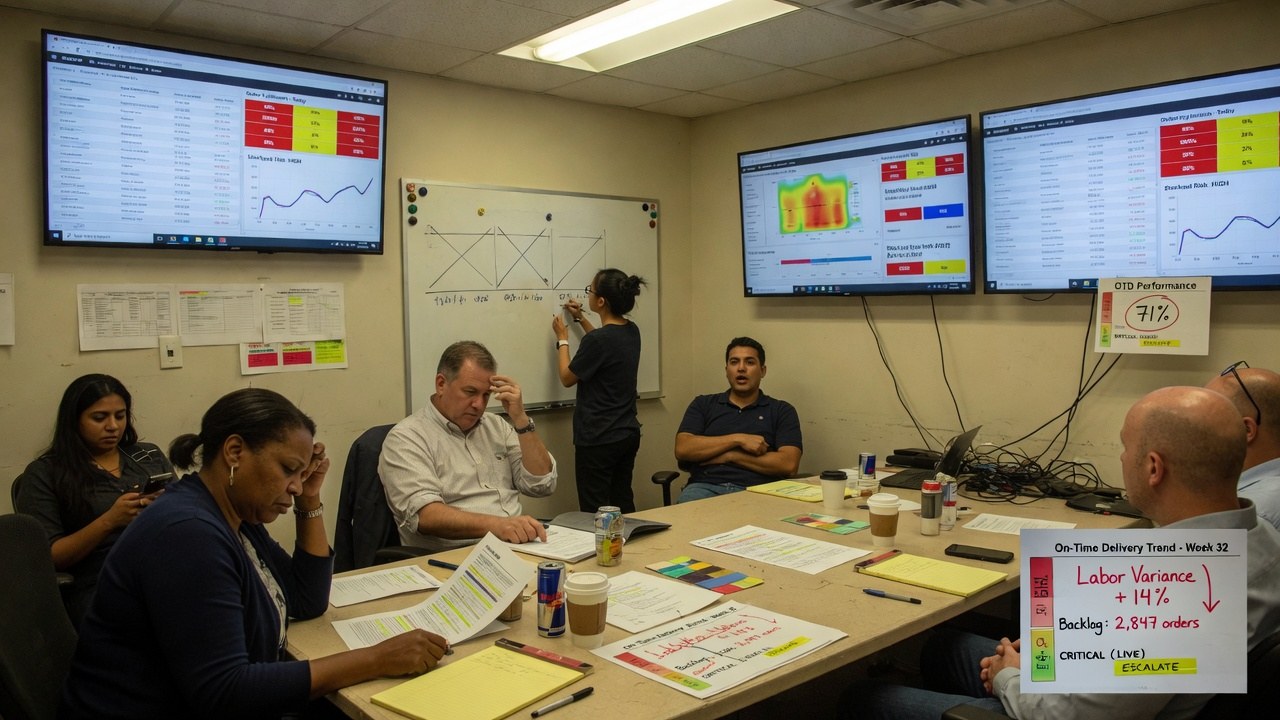
Nonprofit grant reporting automation is the deliberate design of integrated workflows that connect grant data, financial systems, and compliance documents to reduce manual coordination and error across the full grant lifecycle.
| Process Area | Manual Approach | Automated Approach |
|---|---|---|
| Data Storage | Scattered Excel files, email threads, local drives, and individual staff folders | Centralized repository with role-based access, metadata, and structured retention |
| Budget Monitoring | Periodic manual reconciliation and ad hoc spreadsheet summaries | Real-time dashboards and automated alerts when expenditures approach caps |
| Time & Expense Allocation | Re-keying staff time and purchases into donor-specific formats after the fact | Integrated general ledger coding with automatic payroll and AP allocation |
| Reporting Assembly | Copying financials, narratives, and progress data from disconnected sources | Unified aggregation from the ledger, time-tracking system, and program records |
| Compliance & Audit Readiness | Ad hoc document collection and inconsistent retention practices | Automated routing, enforced record-retention schedules, and centralized audit trails |
The Real Cost of Manual Reporting
For most nonprofits, the trouble starts after the award letter arrives. Grant data is frequently scattered across Excel files, email threads, local drives, and individual staff folders. This fragmentation creates version-control issues, lost documentation, duplicate work, and inefficient collaboration between departments. Program staff control the spending but are not finance experts, while finance teams lack the day-to-day program context needed to explain variances. The result is a disconnect in vocabulary and workflow that slows everything down.
The regulatory environment is not making the job easier. The 2024 updates to the Uniform Guidance (2 CFR Part 200), effective October 1, 2024 for most federal agencies, clarified requirements across the full grant lifecycle - including performance measurement, financial management, internal controls, procurement, subrecipient monitoring, record retention, and closeout. These standards are being adopted agency-by-agency, which means recipients must maintain rigorous process discipline simply to remain eligible. At the same time, funders are conducting more data-driven due diligence and expecting timely, accurate submissions.
For organizations juggling five to seven active grants or more, the administrative load can quickly become unsustainable, especially when finance teams must manually reconcile expenses into donor-specific formats while navigating federal funding freezes and reimbursement delays.
What Nonprofit Grant Reporting Automation Actually Means
Automation in this context is not simply the purchase of a monolithic software suite. It is the deliberate design of a workflow that mirrors how grants actually move through an organization. A modern, streamlined process should align with the federal grant lifecycle: pre-award intake, application, award setup, implementation, monitoring and reporting, and closeout.
The foundation is a single source of truth for all grant artifacts - agreements, budgets, communications, compliance documents, and narrative drafts. Rather than storing files in scattered locations, organizations should use structured repositories such as SharePoint, Teams, or a tailored Power Apps-based tracker, with role-based access and metadata that makes retrieval and retention straightforward. From there, automation layers can handle reminders for deadlines, routing for approvals, escalations when tasks stall, and alerts when budgets hit predefined thresholds. The goal is to minimize human error in repetitive coordination so staff can focus on accuracy and analysis.
Centralize Information Before You Automate It
You cannot automate what you cannot find. The first step is migrating grant documents, budgets, contracts, and funder communications out of personal inboxes and into a unified system. When development, finance, and program staff all draw from the same structured library, the organization eliminates the “spreadsheet nightmare” of manual reconciliation and duplicate data entry.
Standardize the Grant Lifecycle
Every grant should follow a consistent internal workflow that includes assigned tasks, responsibilities, approval steps, and hard due dates. Whether the grant is federal, foundation, or corporate, the internal process remains the same: prospect, apply, receive, implement, report, close. Standardization makes it possible to automate task creation and notifications through tools such as Power Automate, Outlook, and Teams, ensuring that no reporting period catches the team off guard.
Integrate Time and Expense Allocation With Your General Ledger
One of the most labor-intensive aspects of grant reporting is translating staff time and purchases into properly coded financial data. The accounting system should be designed to separately track grants, programs, and net asset restrictions. A user-friendly time-tracking system should pull grant and program coding directly from the general ledger and integrate with payroll, so salaries and benefits are allocated according to time spent. Likewise, an integrated spend-management solution should allow non-financial staff to code purchase requests and accounts-payable invoices to the correct grant, with built-in controls that display requests against budget line items in real time.
Automate Budget Monitoring
Leadership needs visibility into financial burn rate, upcoming deadlines, and pipeline opportunities without asking staff to compile manual summaries. Automated workflows can generate budget-to-actual reports per grant and push alerts when expenditures approach caps. Real-time dashboards - built in Power BI or similar tools - can consolidate progress, fiscal performance, and deliverable status into views suitable for both internal leadership and external funders.
Unify Narrative and Financial Reporting
A complete grant report typically requires a financial statement on fund use, progress reports, project-activity summaries, and a narrative describing impact and milestones. Automation should gather these inputs from their respective sources: the general ledger for financials, the time-tracking system for personnel costs, and program managers for qualitative outcomes. By connecting development and finance systems - whether through import/export protocols or direct integration - organizations reduce the risk of misalignment between what was awarded and what was recorded.
Maintain Compliance and Audit Readiness
Store compliance documentation, funder requirement sheets, and subrecipient monitoring records in the same centralized environment as active grant files. Automated workflows can enforce record-retention schedules and route final reports through finance and compliance managers before submission. This structure directly supports adherence to 2 CFR 200 Subpart D and prepares the organization for single audits or funder spot checks.
Building the Right Team and Processes First
Technology cannot compensate for unclear internal responsibilities. Effective grant reporting requires cross-functional coordination among three groups. Finance team members must be involved on the front end to ensure revenue recognition and tracking are configured correctly within the system. Program managers supply the day-to-day activity data and impact narratives. For organizations with a significant volume of governmental funding, a compliance manager should oversee monitoring, maintain timelines with grant due dates, and distribute deadlines to the full team.
Before automating, nonprofits should also codify their internal language. Develop a coding system that groups grants by fund type - governmental, foundation, corporate - so the chart of accounts maps cleanly to funder requirements. Educate program staff on overall budgets and allowable expenses so purchase requests arrive with correct coding already attached. When staff understand the grant structure, automation tools can process their inputs accurately instead of flagging errors after the fact.
Choosing Between Off-the-Shelf and Custom Automation
Many nonprofits adopt dedicated grant-management platforms that sit atop their existing accounting systems rather than replacing them. These tools can reduce manual reconciliation work and provide funder-facing templates. However, standard software sometimes forces organizations to conform to rigid formats that do not match unique donor requirements or internal approval hierarchies.
When out-of-the-box tools create more exceptions than they resolve, a custom automation layer may be the more practical path. For example, an organization might need a workflow that extracts data from its general ledger, formats it for a specific federal agency’s report structure, routes the draft through a program director and a CFO, and then archives the final submission in a compliance library - all without re-keying figures into a spreadsheet.
A custom automation partner such as CEDX Systems can build these integrated workflows, connecting existing accounting, time-tracking, and document systems into a unified reporting infrastructure. CEDX builds tailored automations starting at a $5,000 project fee with ongoing support, which can be a practical fit when standard platforms cannot accommodate specialized funder formats or complex internal controls.
Conclusion
Nonprofit grant reporting automation is ultimately an operational discipline, not a magic bullet. The organizations that reduce their reporting burden are the ones that first clarify who owns each step, standardize their data structures, and then layer in technology to handle reminders, routing, and aggregation. Given the current climate of tighter compliance, evolving federal guidance, and heightened funder scrutiny, accuracy and timeliness are non-negotiable. By treating reporting as a structured workflow rather than a periodic scramble, nonprofits can protect their funding, demonstrate impact with confidence, and return staff time to the mission itself.
Frequently Asked Questions
What is nonprofit grant reporting automation?
Nonprofit grant reporting automation is the deliberate design of integrated workflows that connect grant data, financial systems, and compliance documents to minimize manual coordination and reduce errors across the full grant lifecycle.
Why do manual grant reporting processes fail as nonprofits scale?
Manual processes rely on data scattered across Excel files, email threads, and local drives, which creates version-control issues, duplicate work, and inefficient collaboration between program and finance teams. As federal requirements under 2 CFR Part 200 expand and funders demand more timely data, the administrative load becomes unsustainable for organizations managing multiple active grants.
Which grant management workflows should a nonprofit automate first?
Start by centralizing grant documents in a unified system, standardizing the internal grant lifecycle, and integrating time and expense allocation with the general ledger. Once data is accessible and consistently structured, organizations can add automated budget monitoring, unified narrative and financial reporting, and compliance routing.
How does automation support federal compliance and audit readiness?
Automated workflows enforce record-retention schedules, route reports through finance and compliance managers before submission, and store all documentation in a centralized environment. This structure directly supports adherence to 2 CFR 200 Subpart D and prepares the organization for single audits or funder spot checks.
Should a nonprofit choose off-the-shelf grant software or custom automation?
Off-the-shelf grant-management platforms work well for standard reconciliation and template-based reporting, but they often impose rigid formats. A custom automation layer is more practical when an organization needs to extract general ledger data, format it for specific federal agencies, route drafts through unique approval hierarchies, and archive submissions without re-keying data.